Buy a package of leads
Choose a package and pay with EcoCash or on Paynow.
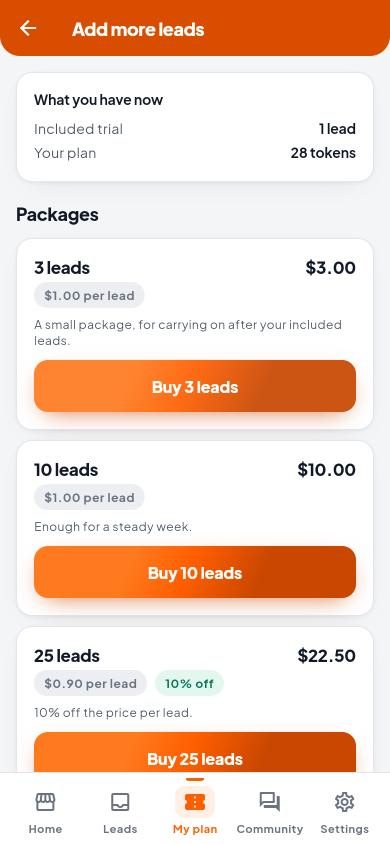
- Open My plan and tap Add more leads.
- Choose a package and tap Buy. Bigger packages cost less per lead.
- Choose how to pay:
- EcoCash: enter your EcoCash number and tap Send payment request. Approve it on your phone with your EcoCash PIN.
- Paynow: finish paying on the Paynow page, then come back to the app.
- Wait for Payment received. Your leads are added to your plan straight away.
Payment did not go through?
- No EcoCash prompt? Check the phone is on and has signal.
- Closed Paynow by mistake? Your invoice stays open. Pay it from My plan › My invoices.
- Already paid? It will be confirmed on the invoice. You do not need to pay again. The screen updates by itself.
- Declined or cancelled? Nothing was charged and the invoice is still open.
- An invoice not paid in time closes. Nothing was charged. Buy the package again to get a new invoice.